Unlock Your 14-Day Free Trial with Free Credits!
Get Started for Free


Unlock Your 14-Day Free Trial with Free Credits!
Get Started for Free
Top WhatsApp Broadcast message service provider
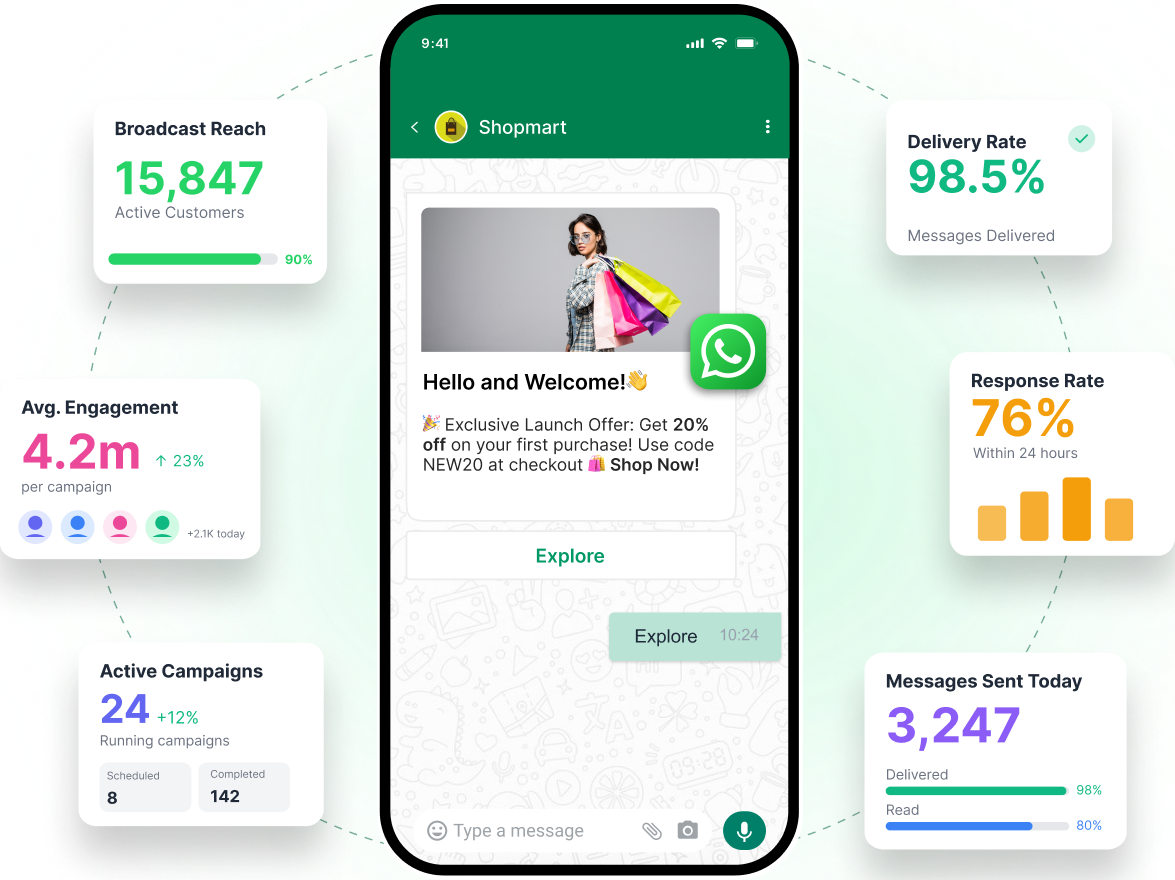
Send one message to thousands of customers as personalised one-to-one chats. Schedule campaigns, add buttons, all through official WhatsApp Business API





1
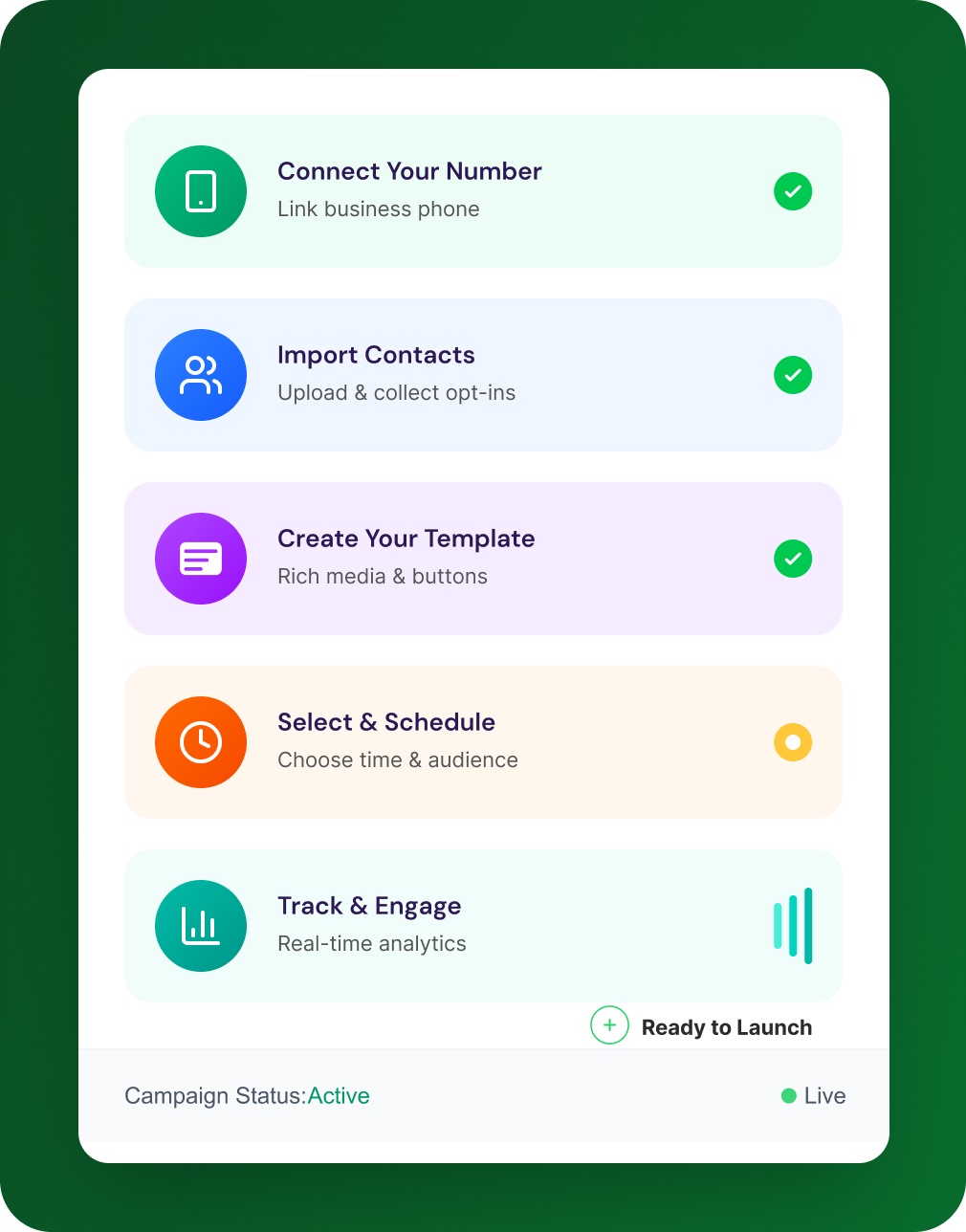
Connect Your Number
Link your business phone number to WhatsApp Business API. We handle the technical setup and for you.
2
Import Contacts
Upload your contact list or collect opt-ins using QR codes, website widgets, and Click-to-WhatsApp ads.
3
Create Your Template
Design your message with rich media, personalisation fields, and interactive buttons.
4
Select & Schedule
Choose your audience segment, set the perfect send time, and schedule your campaign.
5
Track & Engage
Monitor real-time delivery, open rates, clicks, and replies. Respond to customers instantly.



.png)


A WhatsApp broadcast message is a single message you send to multiple contacts at once, delivered as individual private chats. Each recipient receives it like a normal one to one WhatsApp message, so it feels personal and private.
When you send a broadcast, WhatsApp sends the same message to every selected recipient as separate conversations. Replies come back to you privately, and recipients do not see each other, unlike a WhatsApp group.
On WhatsApp, you create a Broadcast List, select the contacts, type your message, and send it like a normal chat. On WhatsApp Business API, broadcasts are sent using approved templates and segments, which is better for larger audiences and tracking.
Broadcast lists on the WhatsApp or WhatsApp Business app are generally free, since they work like normal messages. Broadcasts sent through the WhatsApp Business API are paid, usually charged per delivered message based on message category and country.
A broadcast list on the WhatsApp app supports up to 256 recipients per list. Also, many recipients may only receive your broadcast if they have saved your number in their contacts.
It is not necessary for small broadcasts, but it becomes important when you want to message large audiences, use templates, add buttons, schedule campaigns, and track results. For serious business broadcasting, the WhatsApp Business API is the more scalable and compliant approach.
A WhatsApp group is many to many, where everyone can see and reply to each other. A WhatsApp broadcast is one to many, delivered as private chats, which makes it better for customer updates and marketing messages.
In most cases, broadcast lists work best when recipients have saved your number, otherwise delivery can be limited. If you want to message customers who opted in through forms, ads, or QR codes, WhatsApp Business API is usually the right method.
The normal WhatsApp app does not offer native scheduling for broadcast lists. With WhatsApp Business API platforms, you can schedule broadcast campaigns, set time windows, and send based on customer time zones.
The safest approach is to use the official WhatsApp Business API with opt in contacts, approved templates, and clear opt-out options. This improves deliverability and reduces the risk of account restrictions.
WhatsApp Business API supports much larger sending compared to the app, but your limit depends on your messaging tier and quality rating. As your account builds trust and engagement, your sending capacity increases.
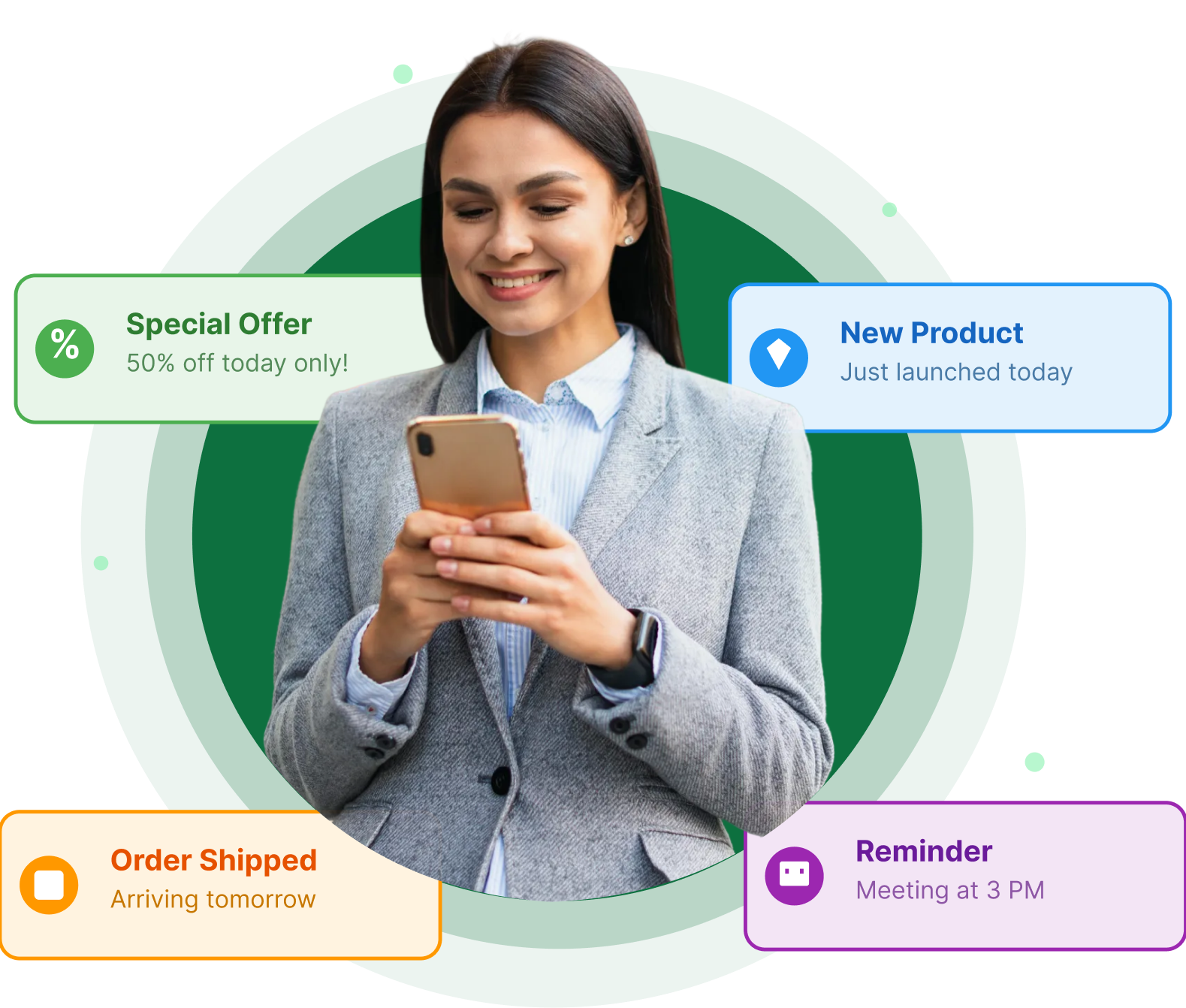
WhatsApp broadcasts work well for ecommerce, education, clinics, restaurants, real estate, and any business that needs quick customer updates. If you need segmentation, tracking, and high volume messaging, WhatsApp Business API is a better fit.
Have questions? We have got answers! Connect with our product expert for a personalized demo session and discover the best messaging solutions for your business.


.svg)


