Unlock Your 14-Day Free Trial with Free Credits!
Get Started for Free
Unlock Your 14-Day Free Trial with Free Credits!
Get Started for Free

Manage WhatsApp conversations, automate follow-ups, and track every customer interaction directly inside Zoho CRM. Turn customer conversations into conversions with seamless integration.

WhatsApp Users
.png)
Faster Response
.png)
Open Rates
.png)
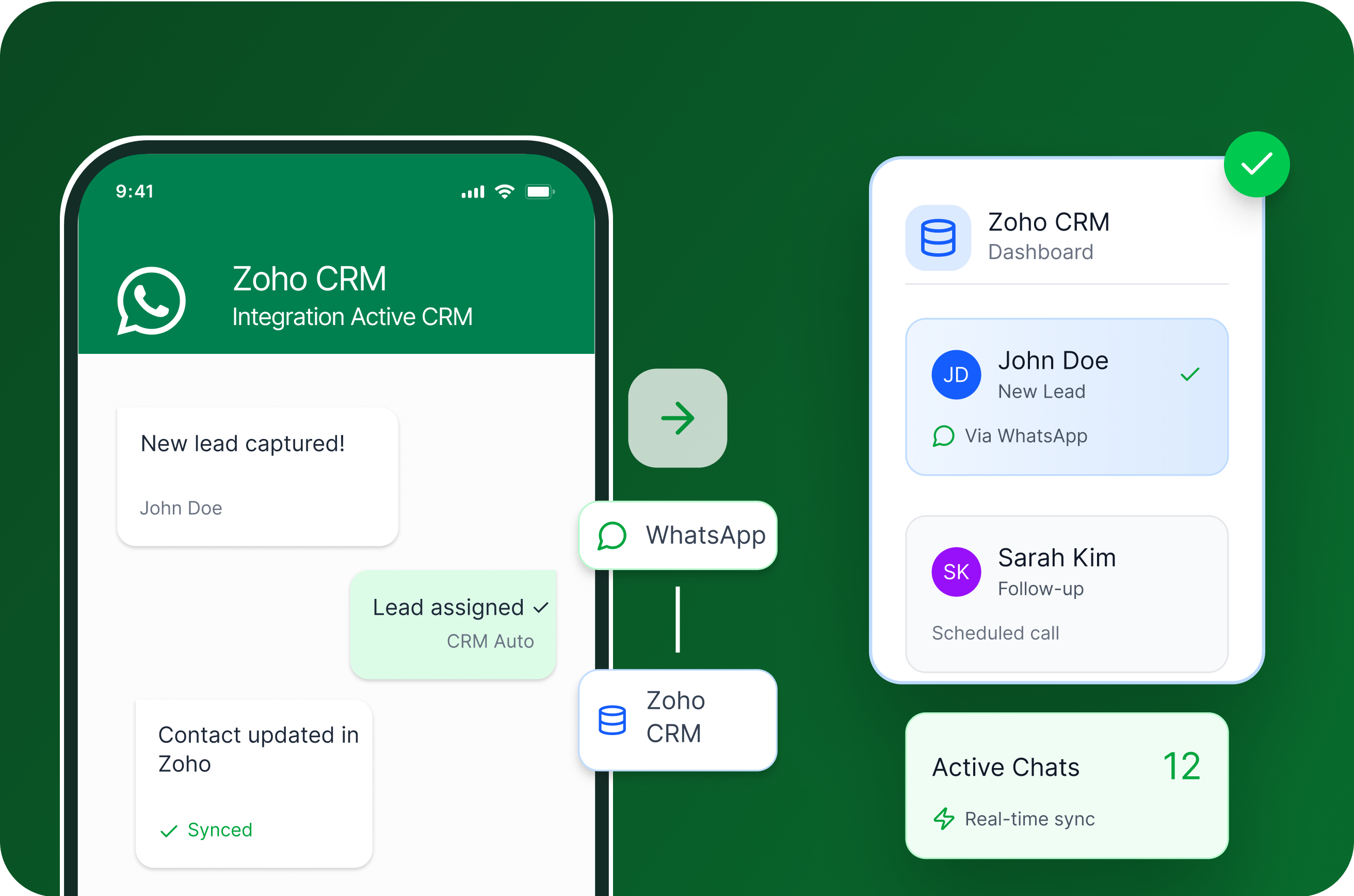
Zoho WhatsApp integration connects WhatsApp Business API directly with your Zoho CRM, enabling your teams to send and receive messages, automate workflows, and manage conversations without leaving the CRM platform.


By enabling Zoho WhatsApp integration, companies gain:

Respond to customers in real-time, resolve issues quickly, and build trust with faster support.

Save time by scheduling reminders, sending updates, and handling routine tasks without manual effort.
Stay active on the channels your customers use, strengthen relationships, and boost loyalty.

Never miss a lead—follow up on time, keep prospects engaged, and close more deals.

Key Features
.png)
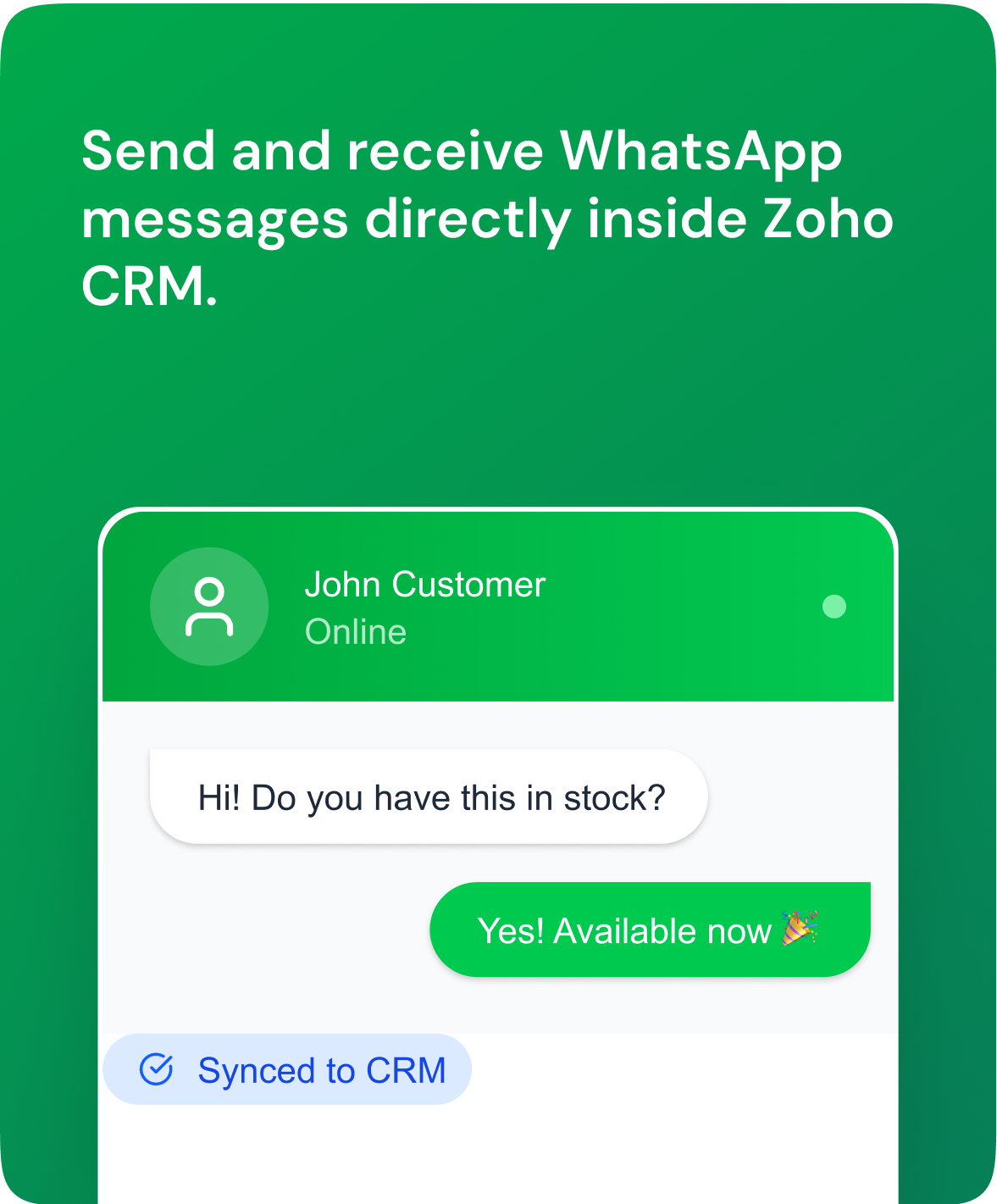
Chat with customers directly inside Zoho CRM — instantly and seamlessly.
.png)
Send automatic updates for payments, orders, and appointments.
.png)
Engage customers 24/7 with AI chatbots for FAQs and lead capture.
.png)
Track every lead and chat — all saved in one CRM timeline.
.png)
Assign chats to agents and manage conversations effortlessly.
.png)
Run campaigns and reach thousands of customers in one click.
.png)
Use approved templates for alerts, offers, and reminders — faster communication.
.png)
Measure engagement, performance, and ROI with real-time insights.
Setting up Zoho CRM WhatsApp integration is straightforward:
1
Login to your Telinfy account
Access your dashboard to begin the setup.
2
Open Plugins & Integrations
Open Plugins & Integrations to find Zoho CRM.
3
Install & Authorize
Add the connector and approve Zoho access.
4
Start Messaging
Manage WhatsApp chats directly inside Zoho CRM.
.png)
Industry Solutions
.png)
.png)
Send property details, images, and videos directly to prospects.
Schedule site visits and send reminders via WhatsApp.
Log all conversations in Zoho CRM for follow-up.
.png)
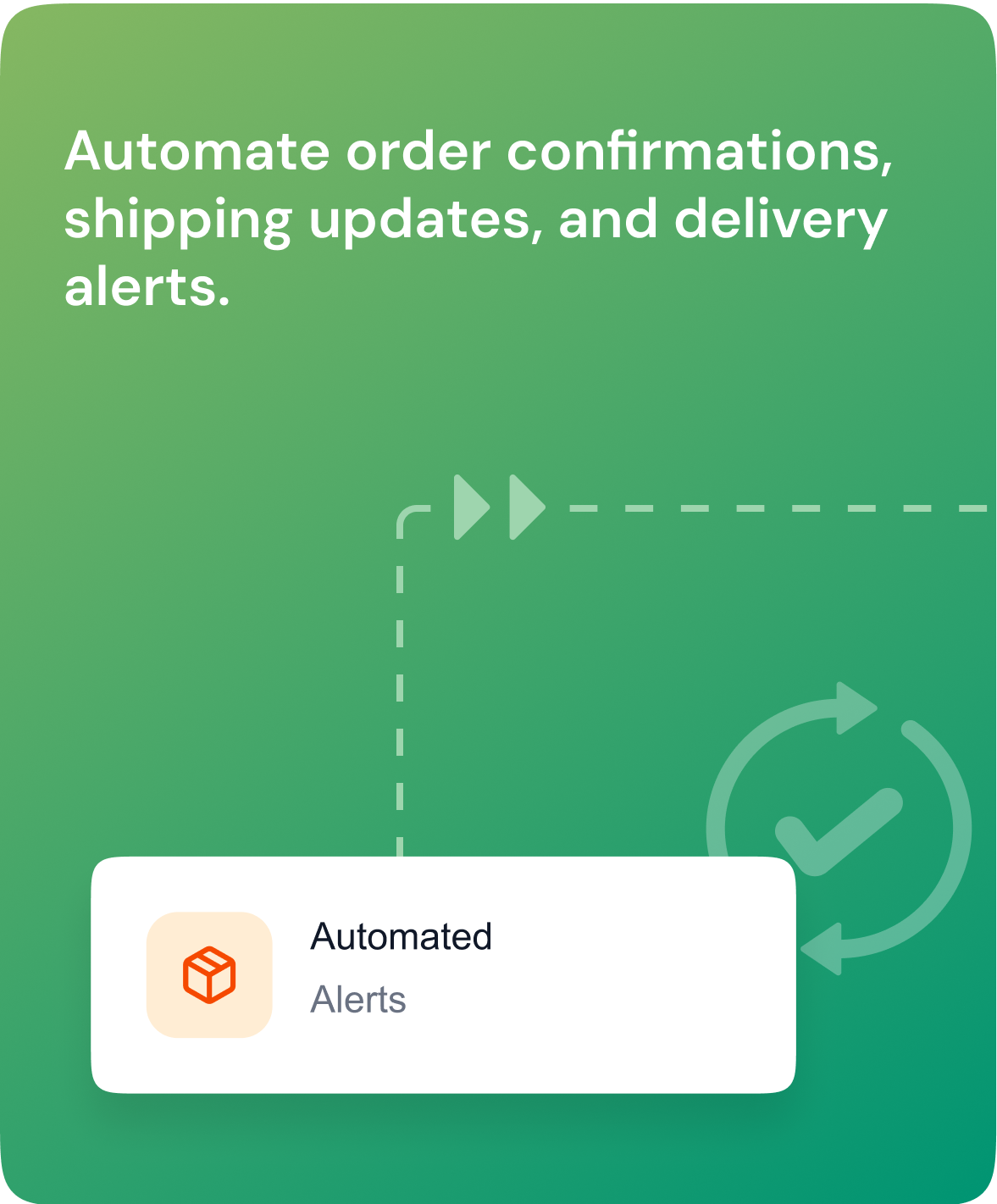
Automate order confirmations, shipping updates, and delivery alerts.
Handle customer support queries quickly and efficiently
Broadcast promotions, discounts, and new arrivals.
.png)
Appointment confirmations, reminders and quick rescheduling
Share prescriptions or reports and deliver documents securely.
Manage follow-ups for patient care.
.png)
Send booking confirmations, itineraries, and updates.
Handle last-minute changes through WhatsApp.
Collect feedback after the trip or stay.
.png)
Share loan updates, EMI reminders, and policy documents.
Automate KYC or document submission alerts.
Engage clients with renewal reminders.
.png)
Send admission updates, class schedules, and exam reminders.
Resolve student/parent queries instantly.
Share course material or links directly.
While Zoho CRM WhatsApp integration is the most popular, WhatsApp can also be integrated with other Zoho apps like Zoho Books, Zoho Billing, Zoho Desk, and Zoho Payroll.

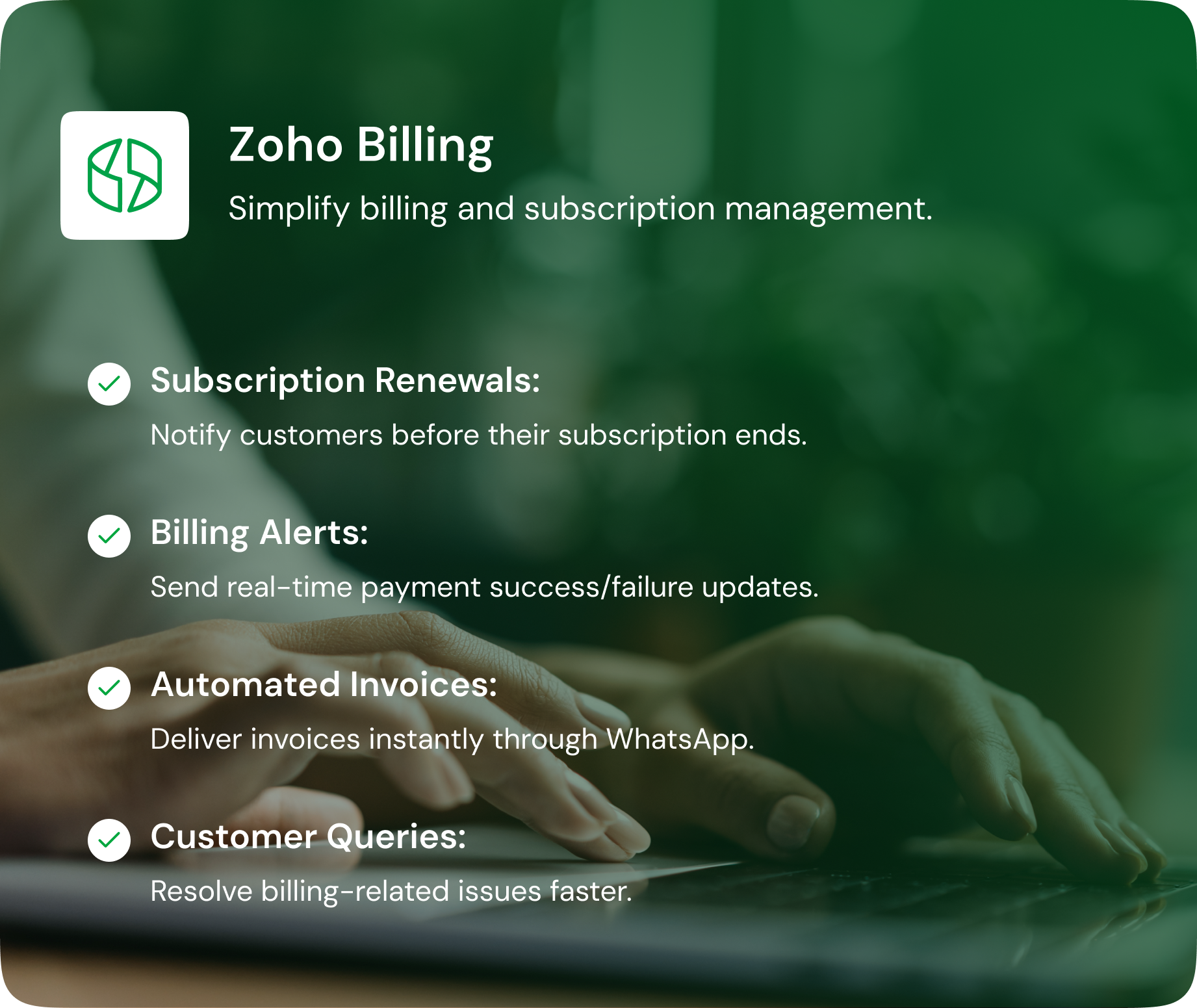
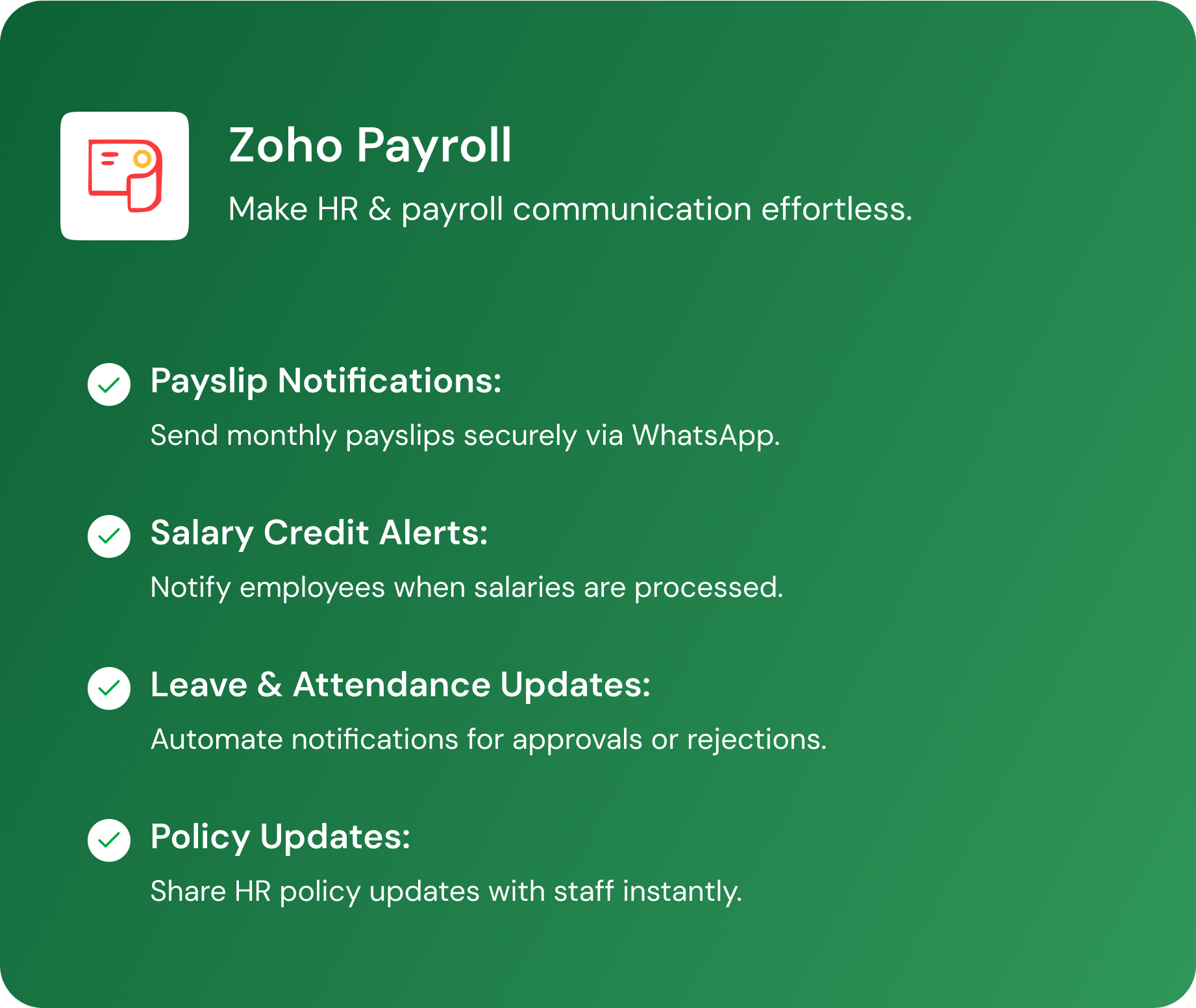
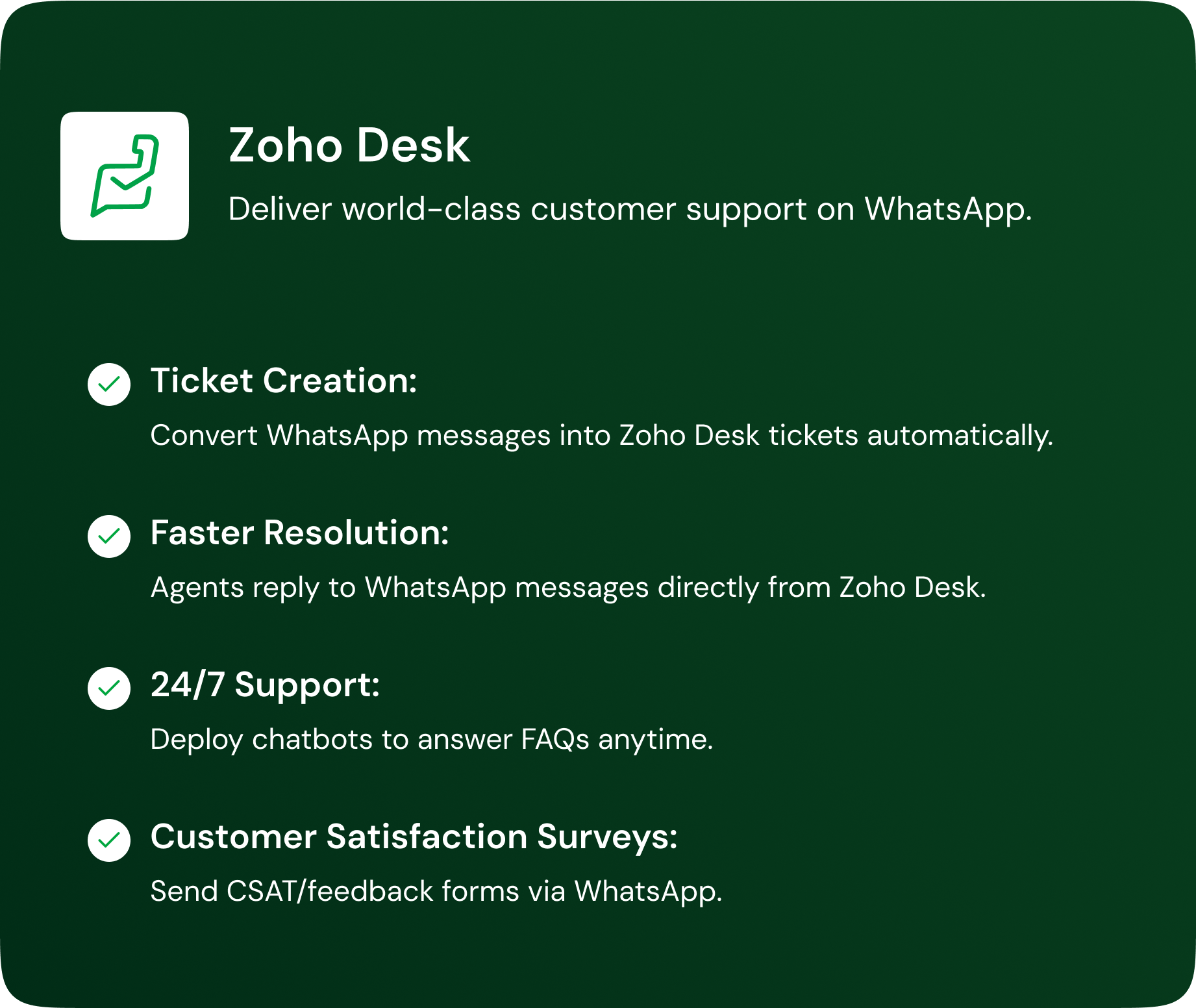
Zoho WhatsApp integration allows businesses to connect WhatsApp Business with Zoho applications like Zoho CRM to manage customer conversations in one place. It helps teams send messages, track chats, and maintain complete communication history inside Zoho.
Yes, Zoho can integrate with WhatsApp through its built-in Business Messaging features, Zoho Marketplace extensions, or workflow tools like Zoho Flow. The right method depends on whether you need simple messaging, team inbox access, or automated workflows.
To integrate WhatsApp Business API with Zoho CRM, an admin needs to enable WhatsApp under Zoho CRM’s Business Messaging settings and connect a WhatsApp Business account. Once connected, you can send and receive WhatsApp messages directly from lead and contact records.
Yes, for most professional and scalable use cases, WhatsApp Business API is required. It ensures compliance, multi-user access, automation support, and proper message delivery for business communication.
Yes, after integration, you can send WhatsApp messages directly from Zoho CRM to leads and contacts. All conversations are logged against the customer record, making follow-ups and tracking easier.
Yes, Zoho WhatsApp integration supports team access so multiple users can manage conversations without sharing a single mobile number. This is ideal for sales and support teams handling high message volumes.
Yes, WhatsApp messages can be automated based on CRM triggers such as lead creation, deal stage updates, or payment reminders. Automation is typically handled through workflows or integration tools connected to WhatsApp Business API.
Absolutely. It helps sales teams respond faster, follow up consistently, and keep all communication linked to CRM records, improving lead conversion and deal tracking
You typically need Zoho CRM admin access, a WhatsApp Business account, and approval to use WhatsApp Business API. Once these are in place, integration can be completed through Zoho’s setup flow.
Yes, because it centralises customer messages and history within Zoho CRM, making it easier to manage responses and keep context across the team. It also improves accountability since chats are tied to contact records.
Connect WhatsApp Business API with Zoho CRM and turn conversations into conversions. Get started today with a free demonstration tailored to your business requirements.
Have questions? We have got answers! Connect with our product expert for a personalized demo session and discover the best messaging solutions for your business.


.svg)


